



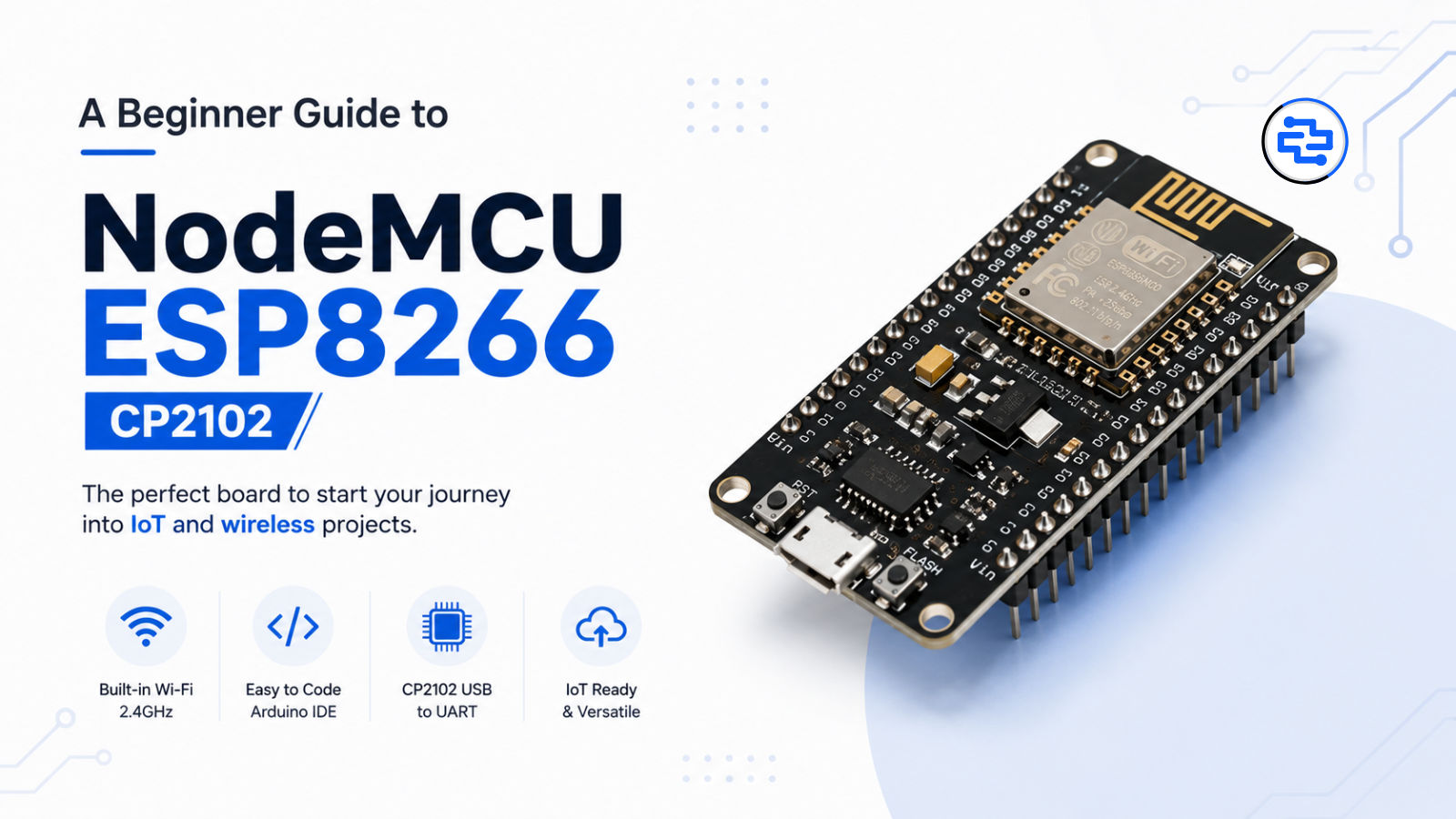
A Beginner Guide to NodeMCU ESP8266 CP2102
Learn everything about the NodeMCU ESP8266 CP2102, including how the ESP8266 and CP2102 work together, key features, programming methods, applications, common problems, and beginner-friendly IoT projects.
A Beginner Guide to NodeMCU ESP8266 CP2102
If you are getting started with IoT, Wi-Fi projects, home automation, robotics, or embedded electronics, you have probably come across the NodeMCU ESP8266 CP2102 development board.
NodeMCU is popular because it combines an ESP8266 Wi-Fi SoC with the supporting hardware needed to program and power the board easily from a computer. Many commonly sold NodeMCU development boards also use a CP2102 USB-to-UART bridge, which handles communication between the computer's USB port and the ESP8266's serial interface. The ESP8266 itself provides 2.4 GHz Wi-Fi and a range of interfaces such as GPIO, UART, SPI, I²C, PWM, and ADC.
In this beginner-friendly guide, we'll explain what NodeMCU ESP8266 CP2102 is, how it works, its important features, applications, programming options, and why it remains useful for IoT projects.
What is NodeMCU ESP8266 CP2102?
The NodeMCU ESP8266 CP2102 is a development board built around the Espressif ESP8266 wireless SoC.
It combines three important elements:
ESP8266: The main Wi-Fi-enabled microcontroller/SoC
NodeMCU development board: Provides convenient GPIO headers, power circuitry, USB connection, and other supporting hardware
CP2102: A USB-to-UART bridge that allows a computer to communicate with the ESP8266 through USB
The ESP8266 supports 2.4 GHz Wi-Fi and provides interfaces including UART, SPI, I²C, I²S, GPIO, PWM, and ADC.
The NodeMCU project originally became popular around ESP8266 development and also provided firmware for programming the ESP8266 with Lua. Today, the name "NodeMCU" is commonly used for ESP8266-based development boards as well as the associated open-source firmware ecosystem.
What is an ESP8266?
The ESP8266 is a low-cost Wi-Fi-enabled SoC from Espressif that became widely used for connected electronics and IoT applications.
Its integrated wireless capability means you can connect a project to a Wi-Fi network without adding a separate Wi-Fi module.
The ESP8266 supports:
2.4 GHz Wi-Fi
GPIO
UART
SPI
I²C
PWM
ADC
Other peripheral interfaces
This makes it suitable for projects where a microcontroller needs to communicate with sensors, displays, relays, and online services.
What is CP2102?
The CP2102 is a USB-to-UART bridge controller manufactured by Silicon Labs.
Its job is simple but important: it allows a computer's USB connection to communicate with the ESP8266's UART serial interface.
This is useful for:
Uploading programs
Viewing serial monitor output
Debugging projects
Communicating between the PC and microcontroller
Silicon Labs describes the CP2102 as a highly integrated USB-to-UART bridge designed to provide a simple USB-to-serial interface.
So, when you connect a NodeMCU ESP8266 CP2102 board to your computer using USB, the CP2102 acts as the communication bridge between the computer and the ESP8266.
How Does NodeMCU ESP8266 CP2102 Work?
The basic working process is easy to understand.
Step 1: Connect the Board
Connect the NodeMCU board to your computer using a suitable USB cable.
Step 2: USB Communication
The computer communicates with the CP2102 USB-to-UART bridge.
Step 3: Serial Communication
The CP2102 transfers the required serial data to and from the ESP8266.
Step 4: ESP8266 Runs the Program
The ESP8266 executes the uploaded program and interacts with connected sensors, LEDs, relays, displays, or other components.
Step 5: Wi-Fi Communication
The ESP8266 can connect to a 2.4 GHz Wi-Fi network and exchange data with other systems or online services.
Key Features of NodeMCU ESP8266 CP2102
Built-in Wi-Fi
The biggest advantage of the ESP8266 is its integrated 2.4 GHz Wi-Fi capability.
This makes the board useful for:
IoT devices
Wireless sensors
Smart home systems
Remote monitoring
Cloud-connected projects
USB Programming
Boards using the CP2102 provide a convenient USB connection for programming and serial communication.
You don't need a separate USB-to-serial converter when the board already includes the CP2102 interface.
Multiple GPIO Pins
The board exposes GPIO pins that can be connected to external electronic components.
Depending on the board design, these can be used for:
LEDs
Buttons
Sensors
Relays
Displays
Motor-control circuits
The exact GPIO availability and pin labeling can vary between NodeMCU board versions, so always check the specific board's pinout before connecting hardware.
Serial Communication
The UART interface is useful for programming, debugging, and communication with other electronic devices.
The ESP8266 also provides other interfaces such as SPI and I²C for connecting peripherals.
Compact Development Platform
NodeMCU boards provide a practical way to experiment with the ESP8266 without designing a custom PCB.
This makes them useful for:
Students
Hobbyists
Makers
Engineers
IoT developers
Rapid prototyping
NodeMCU ESP8266 CP2102 Specifications
Specifications can vary between different NodeMCU board revisions, so the exact board datasheet should always be checked before purchasing or designing a product.
Feature | Details |
|---|---|
Main SoC | ESP8266 |
Wireless | 2.4 GHz Wi-Fi |
USB Interface | USB via CP2102 USB-to-UART bridge |
GPIO | Multiple GPIO pins |
Communication | UART, SPI, I²C and other interfaces |
Analog Input | ADC available on ESP8266 |
Programming | Serial/USB interface |
Common Development Environment | Arduino IDE, ESP-IDF and other supported tools |
Typical Applications | IoT, automation, robotics, monitoring |
The ESP8266 datasheet documents its Wi-Fi, GPIO, UART, SPI, I²C, PWM, ADC and other peripheral capabilities.
How to Program NodeMCU ESP8266
One of the reasons the NodeMCU ESP8266 is popular is the range of software tools available for it.
Arduino IDE
The Arduino IDE is one of the easiest choices for beginners. It allows you to write C/C++ sketches and upload them through the board's USB connection.
This makes it possible to create projects such as:
Wi-Fi LED control
Web servers
Sensor monitoring
Smart switches
IoT dashboards
ESP8266 Development Tools
Developers can also use other Espressif-supported tools and environments depending on the requirements of the project.
For users working with the original NodeMCU firmware ecosystem, NodeMCU documentation also provides tooling for developing and flashing ESP8266 firmware.
Popular NodeMCU ESP8266 Projects
The board is suitable for a wide range of beginner and intermediate projects.
Wi-Fi LED Control
Control an LED from a mobile phone or web browser.
Smart Home Automation
Control lights, fans, switches, and other appliances through a Wi-Fi network.
Temperature Monitoring
Connect a temperature sensor and send readings to a web dashboard or cloud platform.
Weather Station
Use sensors to collect temperature, humidity, pressure, or other environmental data.
Smart Irrigation
Combine a soil moisture sensor with a relay module to automate watering.
IoT Data Logger
Collect sensor data and transmit it wirelessly to a server or online platform.
Wi-Fi Robot
Use the ESP8266 to receive wireless commands and control a robot or motor driver.
Applications of NodeMCU ESP8266
Internet of Things
The combination of Wi-Fi and programmable GPIO makes NodeMCU useful for connected sensor systems and IoT prototypes.
Home Automation
Build Wi-Fi-controlled switches, lights, security sensors, and monitoring systems.
Industrial Monitoring
Use the ESP8266 for basic wireless data collection and remote monitoring prototypes.
Robotics
Connect the board to motor controllers and sensors to create remotely controlled or connected robots.
Education
NodeMCU is useful for teaching:
Microcontrollers
Programming
Wi-Fi communication
IoT
Embedded systems
Sensor integration
NodeMCU ESP8266 CP2102 vs Arduino UNO
Both boards are popular, but they are designed with different strengths.
Feature | NodeMCU ESP8266 | Arduino UNO |
|---|---|---|
Wi-Fi | Built-in | Not built-in |
Main Focus | IoT & wireless projects | General electronics & learning |
USB-to-Serial | CP2102 on common versions | Board-dependent USB interface |
Wireless Projects | Excellent | External module usually required |
IoT Applications | Excellent | Possible with additional hardware |
Beginner Friendly | Yes | Yes |
For projects that require Wi-Fi connectivity, the NodeMCU ESP8266 can simplify the hardware because wireless functionality is already integrated.
NodeMCU ESP8266 CP2102 vs ESP32
The ESP32 family provides a newer platform with additional capabilities compared with the original ESP8266.
For simple Wi-Fi projects, the ESP8266 remains useful and affordable. For newer projects requiring features such as Bluetooth, greater processing capability, or additional peripherals, an ESP32 board may be a better fit.
When choosing between them, consider the requirements of your application rather than simply choosing the newest board.
Common Problems When Using NodeMCU ESP8266
CP2102 Driver Not Detected
If the computer does not recognize the board, check whether the required Silicon Labs USB-to-UART driver is installed and whether the USB cable supports data transfer.
The CP2102 is specifically designed to provide USB-to-UART communication between a host computer and serial devices.
Wrong COM Port
In the Arduino IDE or another programming tool, make sure the correct serial port is selected.
Upload Failure
Check:
USB cable
COM port selection
Board selection
Driver installation
Power connection
Boot/upload requirements of your particular board
Why Choose NodeMCU ESP8266 CP2102?
The NodeMCU ESP8266 CP2102 remains a practical development board for people who need affordable Wi-Fi connectivity and easy USB programming.
Its main advantages include:
Built-in Wi-Fi
Easy USB connectivity
CP2102 USB-to-UART interface
Multiple GPIO pins
Sensor and module compatibility
Arduino IDE support
Large development ecosystem
Excellent for IoT prototypes
Why Buy NodeMCU ESP8266 CP2102 from Directronics?
At Directronics, we provide electronics components and development boards for students, makers, engineers, startups, and professional users.
You can explore NodeMCU and ESP8266 boards along with:
Sensors
Relay modules
Displays
Motor drivers
Arduino boards
ESP32 boards
Communication modules
Prototyping accessories
Whether you're learning electronics or building an IoT prototype, having the right development hardware makes the development process easier.
Frequently Asked Questions
What is NodeMCU ESP8266 CP2102?
It is an ESP8266-based development board that commonly uses a CP2102 USB-to-UART bridge for USB programming and serial communication.
What is CP2102 used for in NodeMCU?
The CP2102 provides the USB-to-UART connection between your computer and the ESP8266, allowing programming and serial communication.
Does NodeMCU ESP8266 have Wi-Fi?
Yes. The ESP8266 provides integrated 2.4 GHz Wi-Fi.
Can NodeMCU ESP8266 be programmed using Arduino IDE?
Yes. ESP8266 development can be done using the Arduino ecosystem, in addition to other development environments.
Is NodeMCU ESP8266 good for beginners?
Yes. Its integrated Wi-Fi, USB programming interface, and wide range of libraries and project examples make it a practical board for beginners learning IoT and embedded electronics.
Is CP2102 the microcontroller?
No. The ESP8266 is the main SoC that runs your application. The CP2102 is a USB-to-UART bridge used for communication between the computer and the ESP8266.
Conclusion
The NodeMCU ESP8266 CP2102 is a compact and practical development platform for learning and building Wi-Fi-enabled electronics projects. The ESP8266 provides the processing and wireless connectivity, while the CP2102 makes USB programming and serial communication convenient.
From IoT sensors and smart home automation to robotics and wireless monitoring, NodeMCU ESP8266 can be used to turn electronic ideas into working prototypes.
For students, makers, and developers looking for an affordable Wi-Fi development board, the NodeMCU ESP8266 CP2102 remains a useful starting point for exploring connected electronics.
Explore NodeMCU ESP8266 boards, ESP32 development boards, sensors, modules, Arduino boards, and other electronics components at Directronics.in.
Related Products
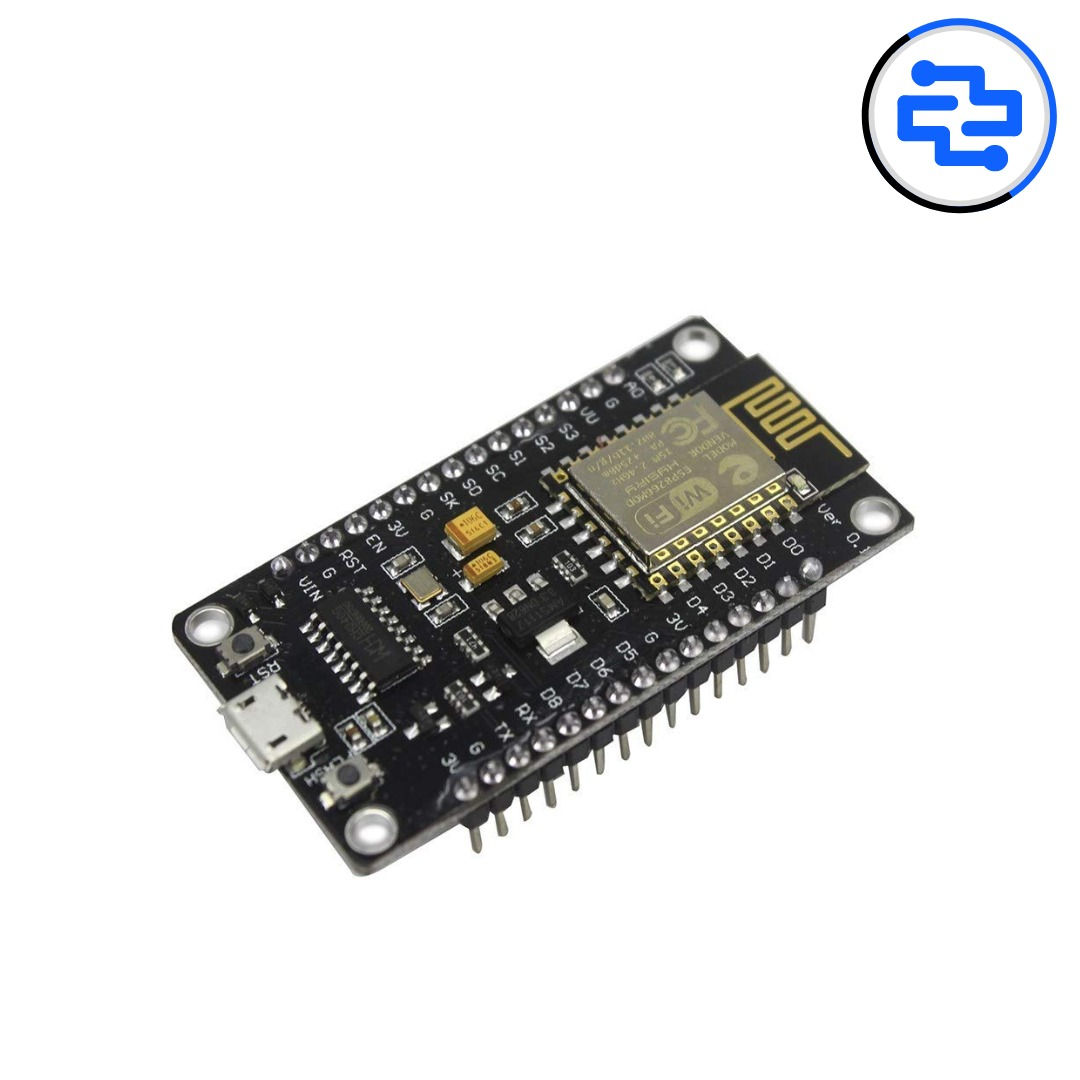
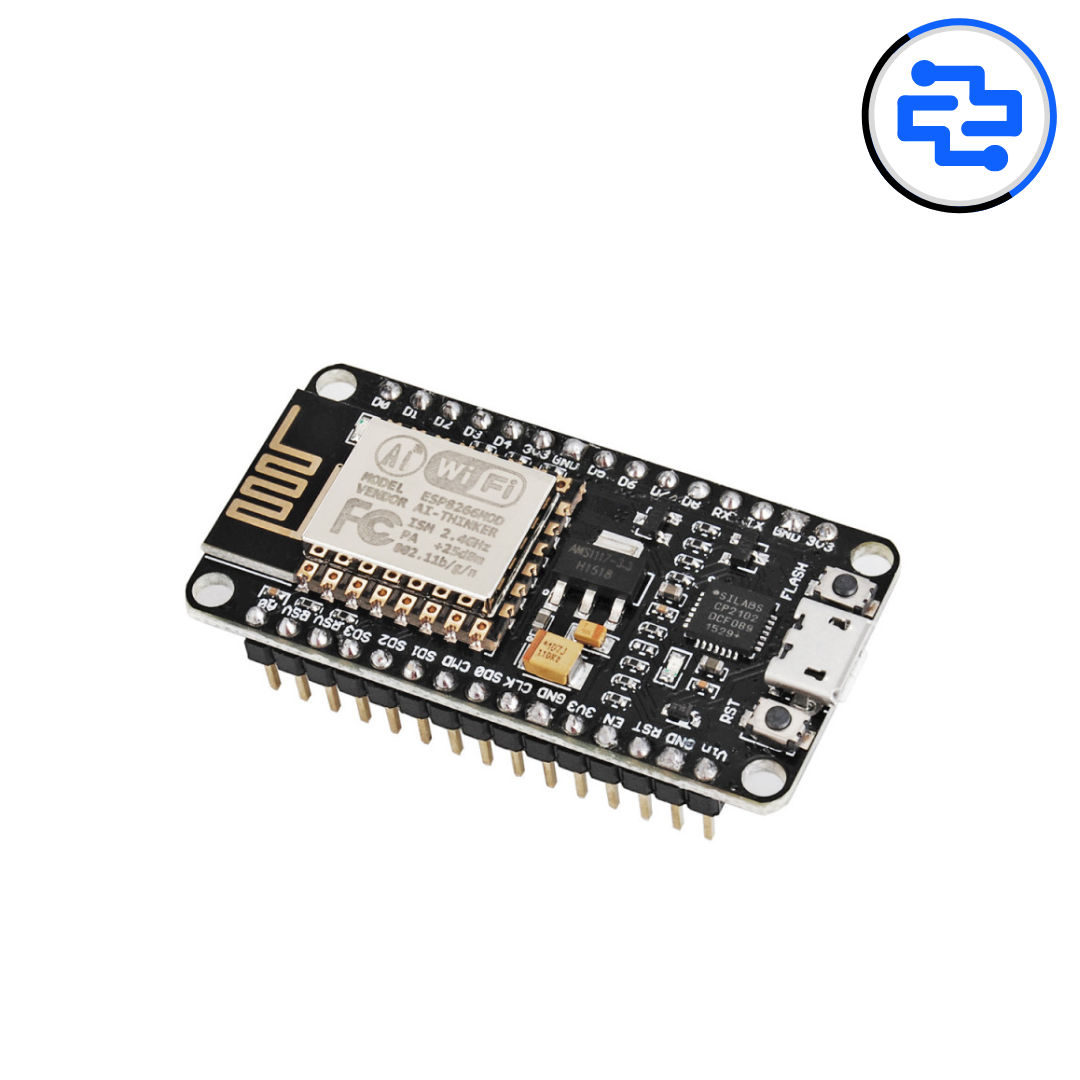
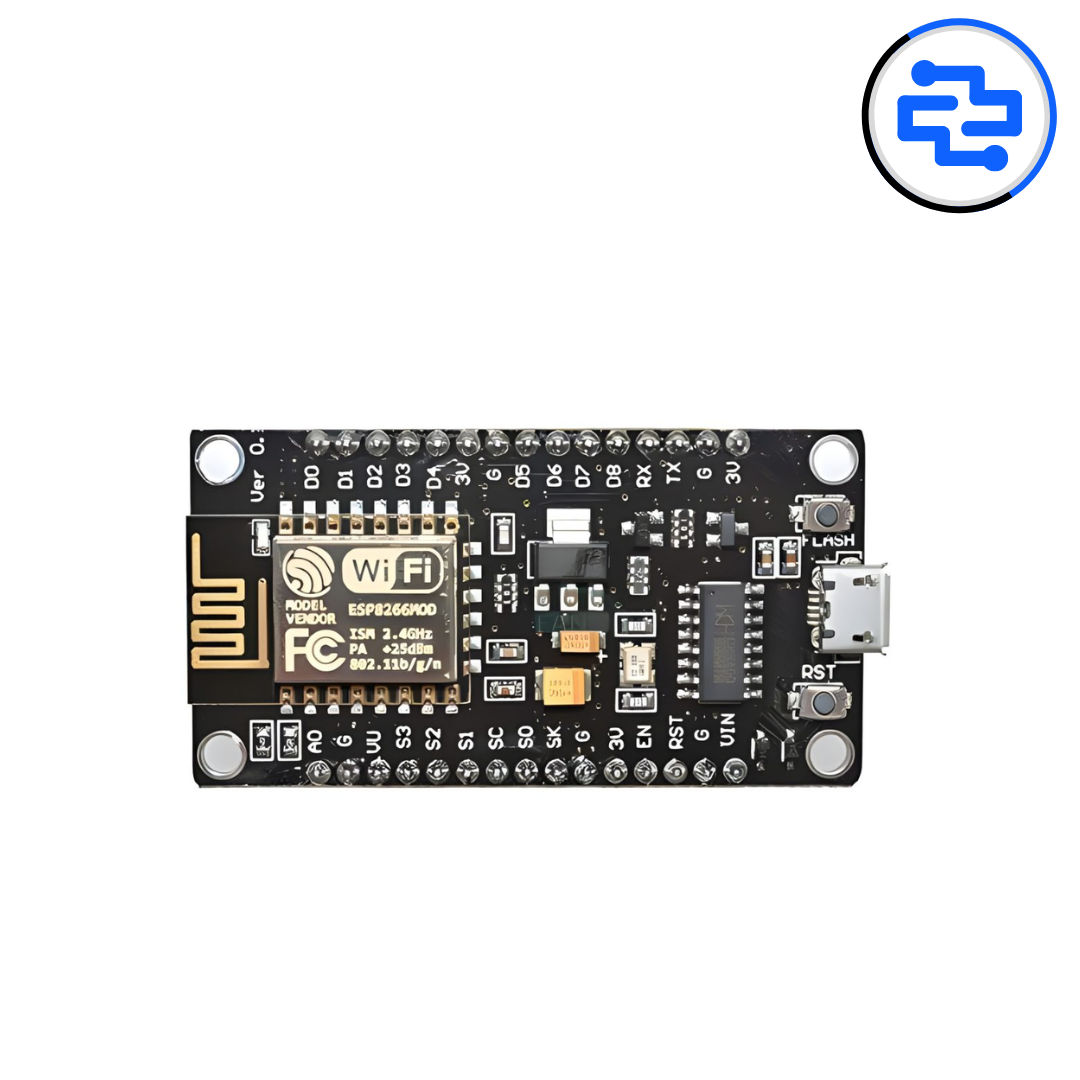
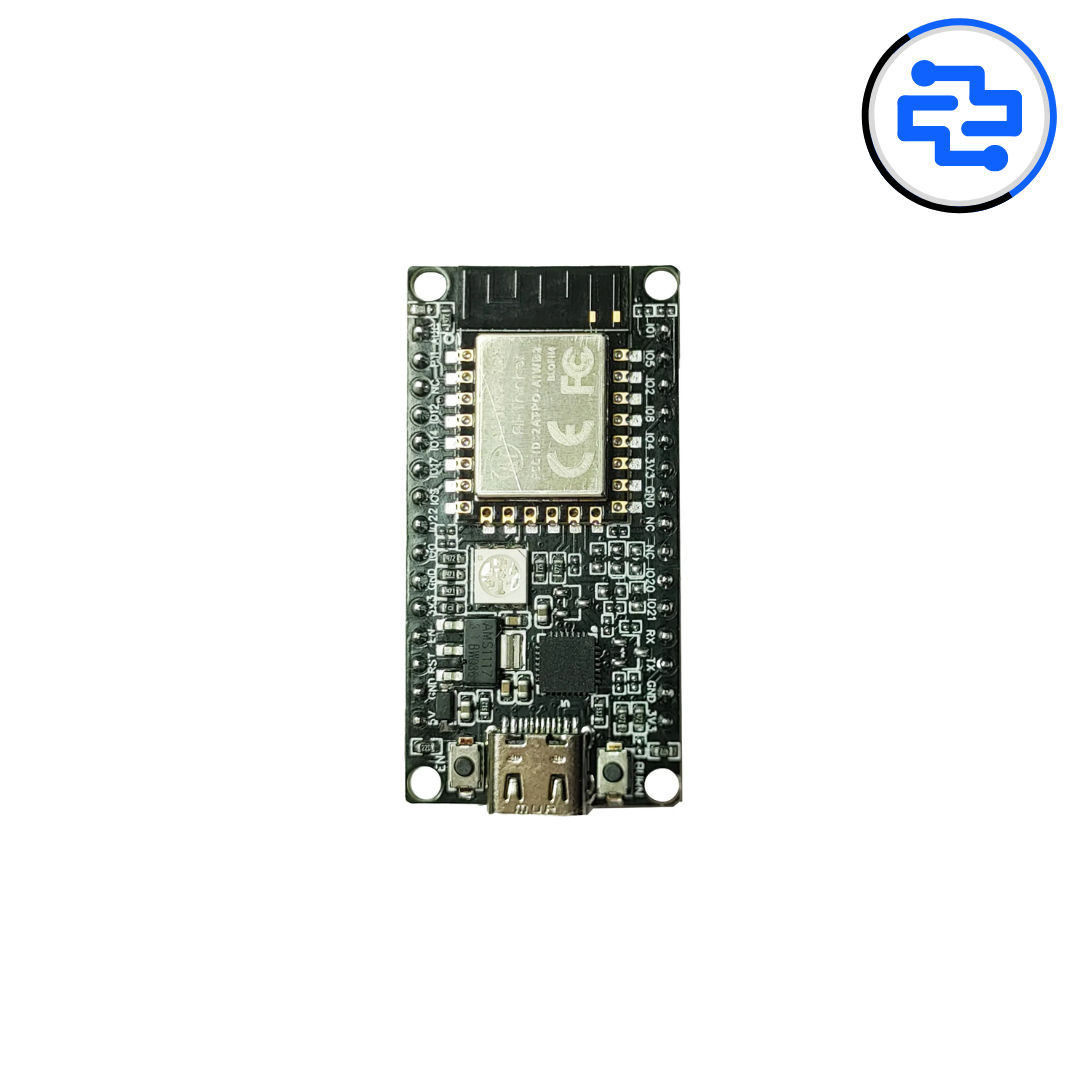
ESP8266 NodeMCU CP2102 Board
In Stock
₹260.00
(Excl. GST)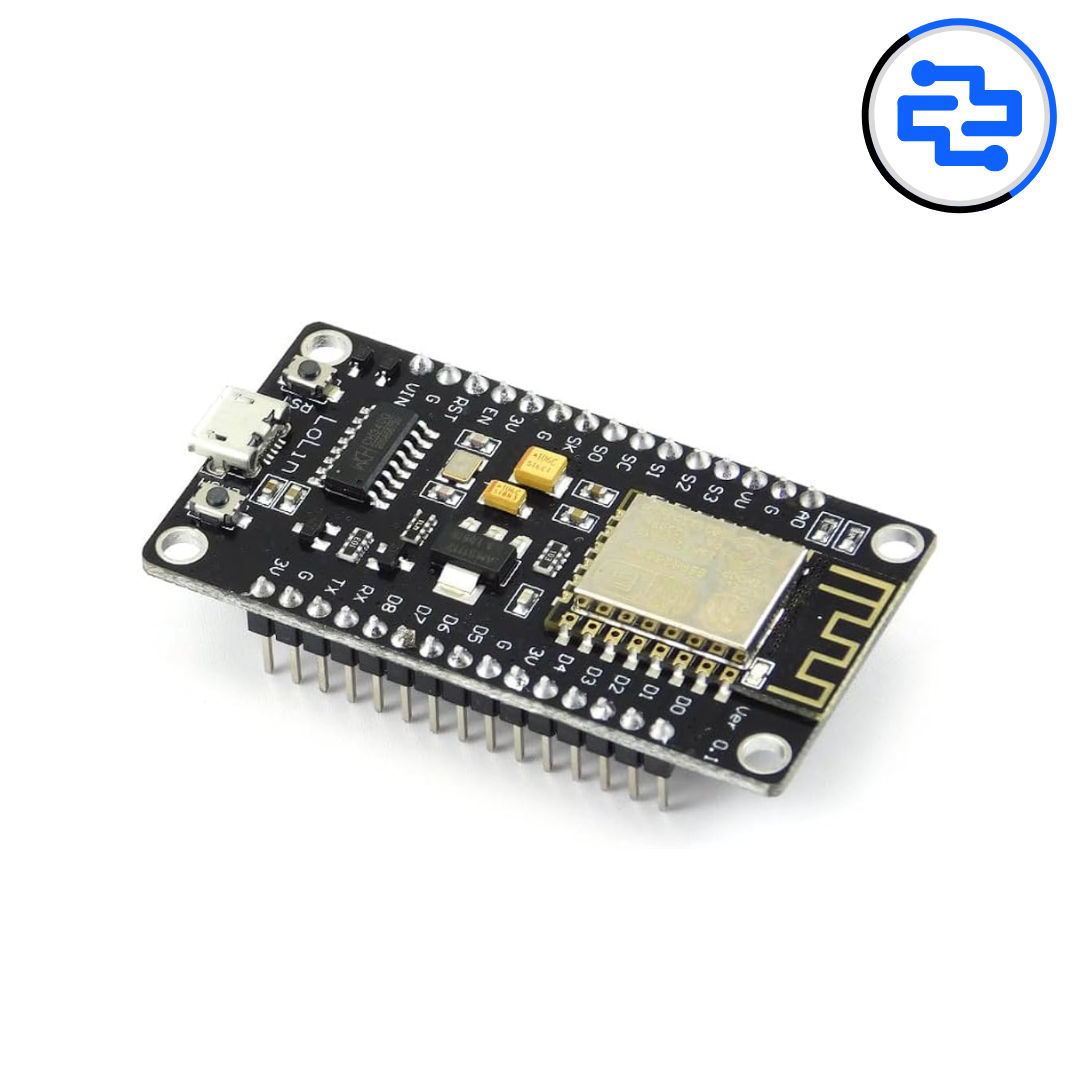
ESP8266 NodeMCU CH340
In Stock
₹250.00
(Excl. GST)